How Leav works
Scan, pay, and walk out in under 30 seconds
No app download. No new hardware. Works on any smartphone with a camera. Your Shopify POS runs alongside it without any changes.
The shopper experience
From door to paid in under a minute
Leav turns any shopper's smartphone into a checkout terminal. No new app to install, no account required, no counter queue.
Open and scan
Open the checkout link. Scan each item as you shop.
At the store entrance, a QR code or short URL opens Leav directly in the shopper's mobile browser. No download. No sign-in. The session is tied to the store's Shopify catalog.
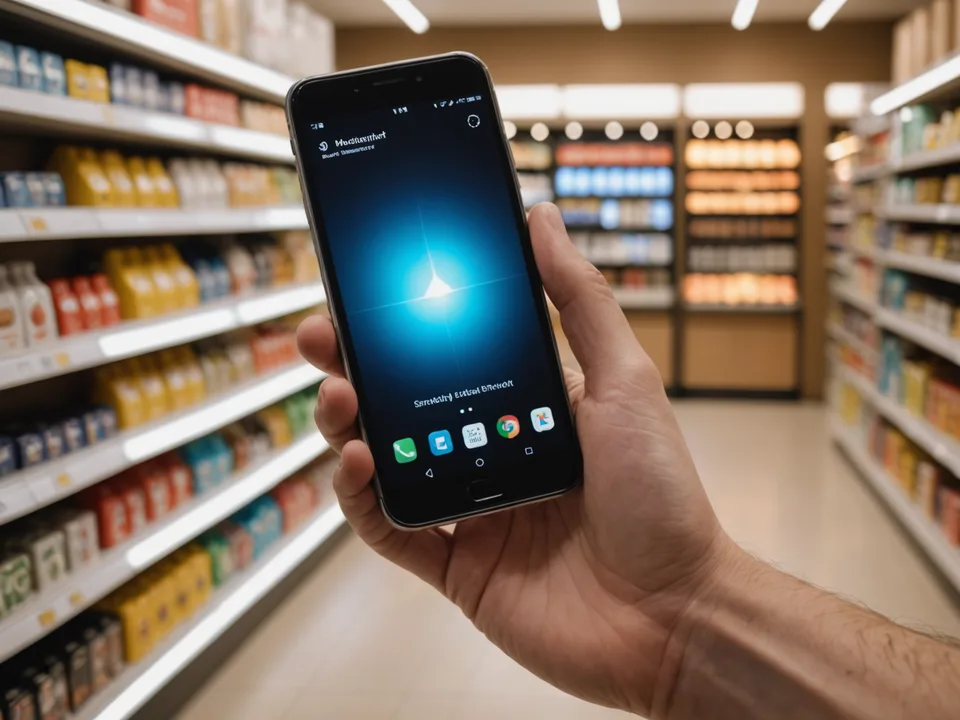
Shoppers tap to activate the camera and scan each item's barcode as they pick it up. The item name and price appear instantly from your Shopify product database. No price errors, no manual entry.
- Works in Safari, Chrome, and all major mobile browsers
- Prices pulled live from your Shopify catalog
- Running total visible at all times
- Items can be removed or quantity adjusted before checkout
Review and pay
Review your cart and pay in under 5 seconds.
When the shopper is done scanning, they review the cart total and tap Pay. Leav supports Apple Pay, Google Pay, and credit or debit card. Payment is processed through Shopify Payments.
No redirect to an external page. No account creation. The entire payment flow stays within the Leav session the shopper already has open.
- Apple Pay and Google Pay one-tap payment
- Credit and debit card support via Shopify Payments
- Payment confirmation in under 5 seconds
- Order created immediately in your Shopify admin
Walk out
Show your exit code and walk out. AI verification takes under 3 seconds.
On payment confirmation, Leav generates a unique exit code on the shopper's screen. At the store exit, the shopper shows the code. Leav's AI layer runs item-count reconciliation using the shopper's device camera in under 3 seconds.
Most sessions clear without staff involvement. When the system flags a mismatch, your staff receives an alert on their dashboard. No receipt printer required. No cashier interaction needed.
- Exit code generated immediately on payment confirmation
- AI item-count reconciliation at exit gate
- Staff alert dashboard for flagged sessions
- No receipt printer or additional hardware

Behind the scenes
What happens while your shopper walks out
Loss prevention and inventory reconciliation run automatically in the background. Your staff only needs to act when the system flags something.
Item count reconciliation
Leav compares the scanned cart against a visual item count captured by the shopper's camera at the exit gate. Mismatches above your configured tolerance threshold trigger a staff alert.
Shopify inventory update
Every Leav checkout creates an order in Shopify admin and decrements inventory in real time. Your stock counts stay accurate across all your sales channels simultaneously.
Analytics capture
Session data including checkout time, basket size, and completion rate flows into your Leav analytics dashboard. Per-hour and per-location breakdowns available from day one.
Try it in your store
Start your free 14-day trial today.
Your first store is live in under 48 hours. No credit card, no hardware, no complicated setup. Cancel any time.